
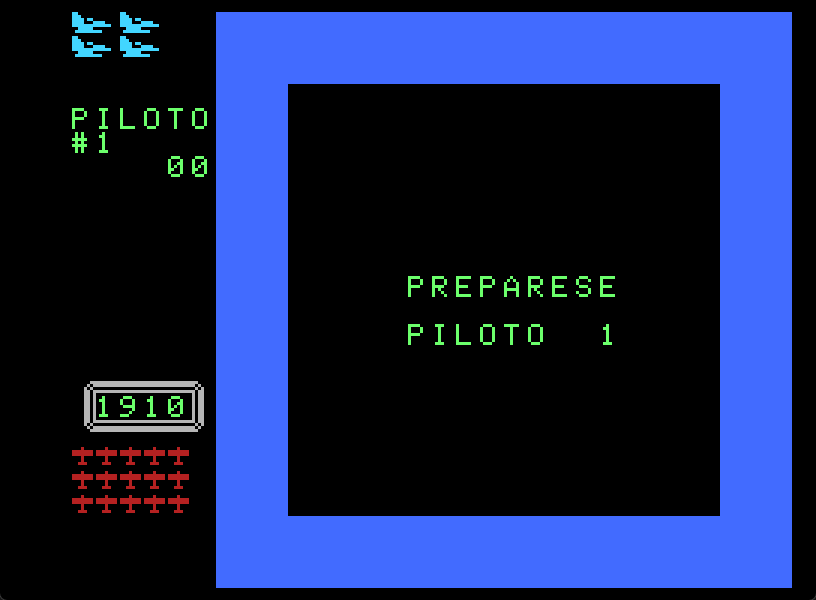
Video Game Club VGC (Argentina) · 1983 · Bootleg
Play Time Pilot (Piloto de Tiempo)
Loading the game…
Tip: turn your phone sideways to play full screen.
On-screen controls:
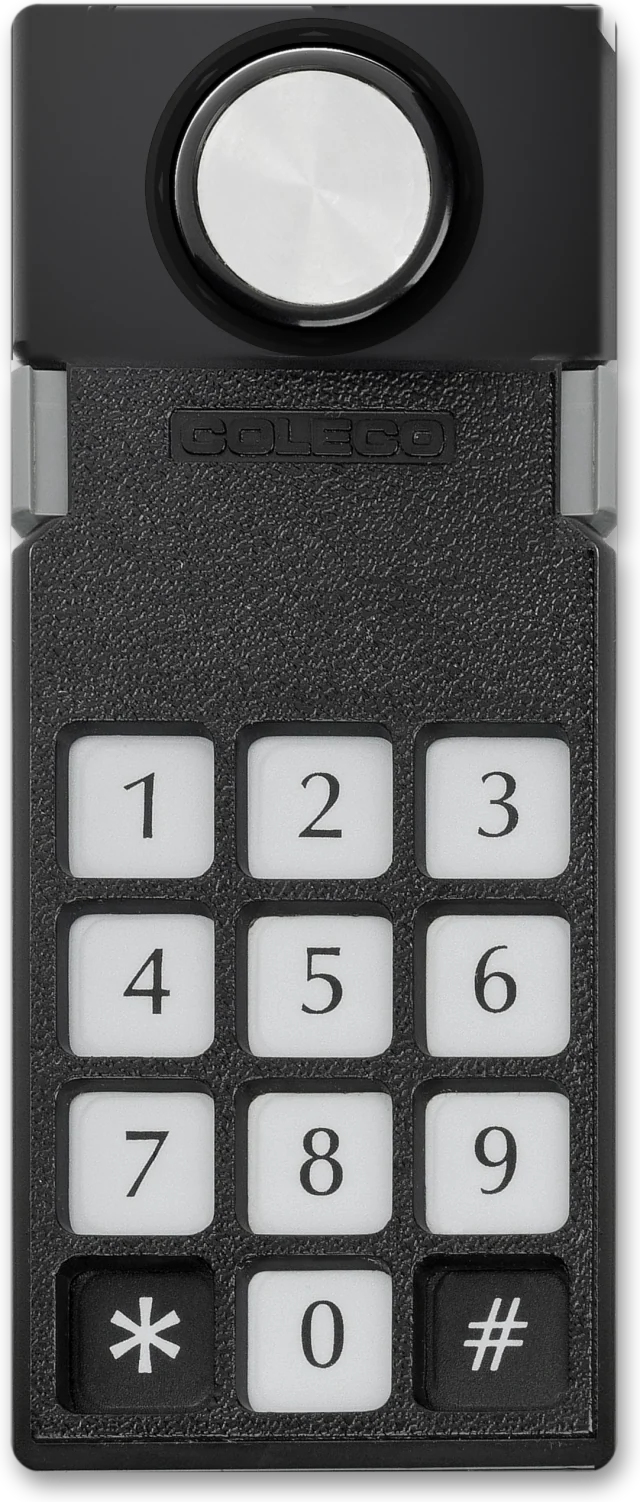
Keyboard & gamepad keysSee or change which key does what
Controller: Standard hand controller
- Click Start Game on the screen. Then play with your keyboard, a gamepad, or by clicking the controller.
- To change a key: click the key in the table below, then press the key you want. Press Esc to cancel or Delete to clear it.
- Gamepad: plug it in (or pair it) and press any button on it, so the browser finds it. To change a button, click it in the Gamepad column, then press the button (or move the stick) you want.
- Choose whether your changes are for all games or only this game. They are saved in this browser.
Save my changes for:
No gamepad found yet. Press a button on it.
| ColecoVision | Keyboard | Gamepad |
|---|
Emulator: EmulatorJS with the GearColeco core by Ignacio Sanchez (free, open-source software). Your key and gamepad settings are saved in this browser only.