

Like the Intellivision, with a joystick
The controller is laid out much like Mattel's Intellivision controller: a rectangle with a numeric keypad and fire buttons on the sides. Where the Intellivision has a control disc, Coleco used a short 1.5-inch joystick with an 8-way mushroom top. Each console shipped with two black controllers, and extra controllers were sold in stores (Coleco No. 2490). The ADAM computer came with a beige version.


What's what on the controller
Point at (or tap) a number to see what it is.
- Joystick. A short 8-way stick with a round top.
- 12-key keypad. Picks game options and, in many games, extra actions; game overlays fit over it.
- Fire buttons. One on each side of the controller.
The retail box
Extra controllers came in their own box. Pick a view.


Keypad overlays
The keypad holds a thin plastic overlay, one for each game, showing what each key does: choosing the skill level and number of players, or in-game actions. Most Coleco cartridges came with two overlays, one for each controller. Overlays are easy to lose, so complete-in-box games with both overlays are worth more to collectors.
Common repairs
- Keypad keys not working: usually worn or dirty contacts under the keypad, fixed by cleaning or replacing the membrane.
- Loose or sticky joystick: worn parts in the stick; rebuild parts are available.
- Buttons cutting in and out: often a broken wire in the coiled cord near the plug.
See Mods & Repairs for guides.
Versions to collect
Track the ones you own in your collection.
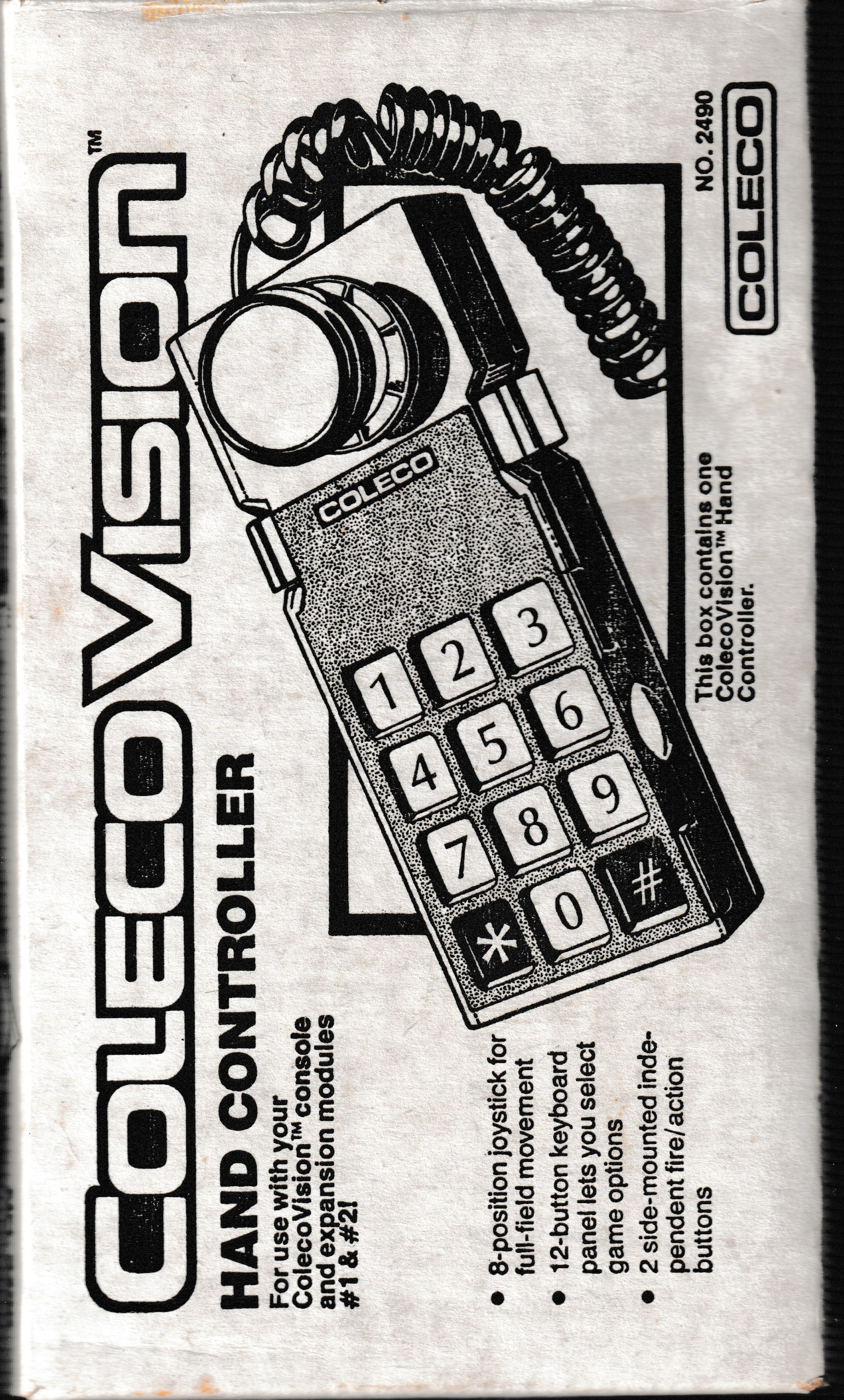 Hand Controller (Black)
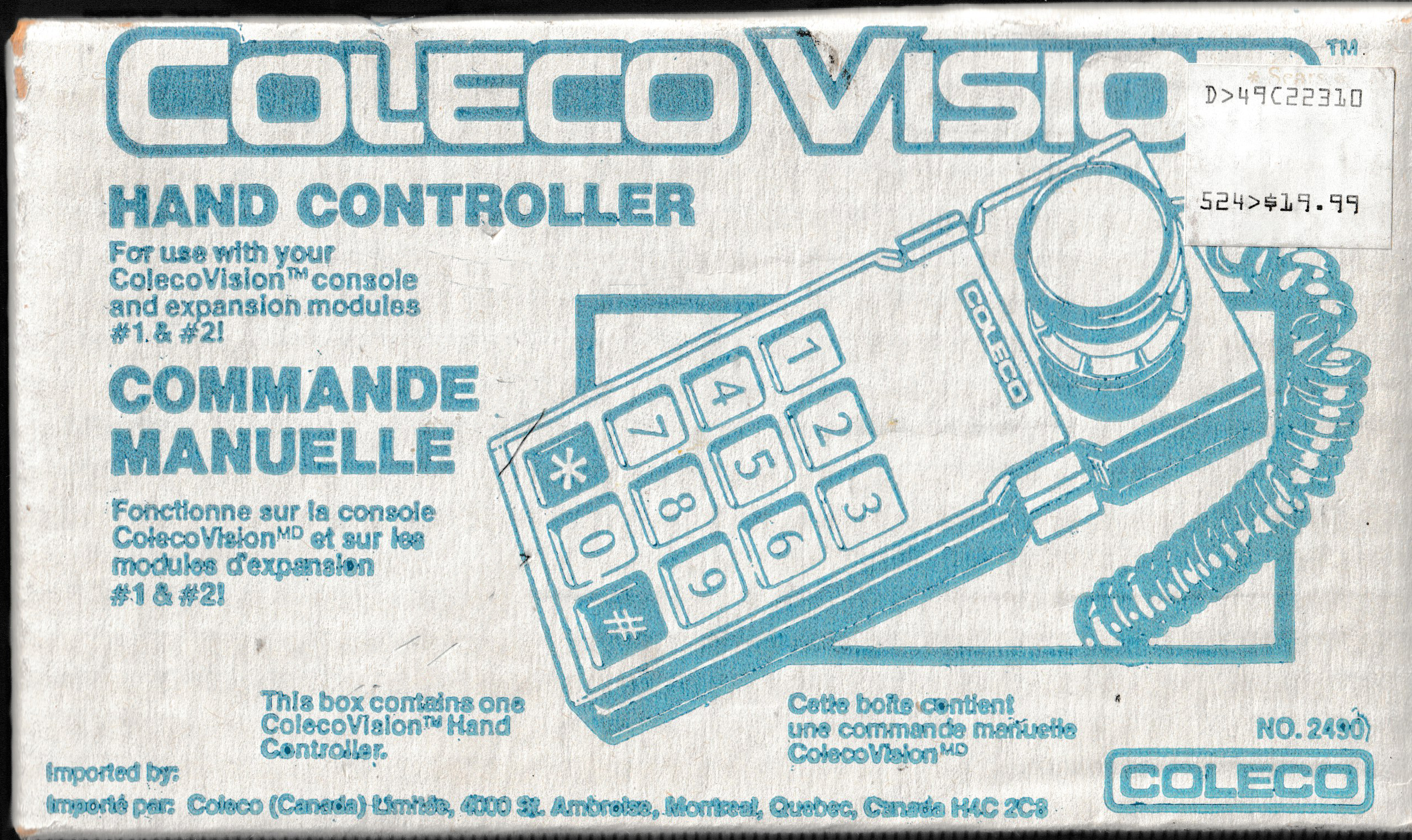 Hand Controller (Black) (CA)
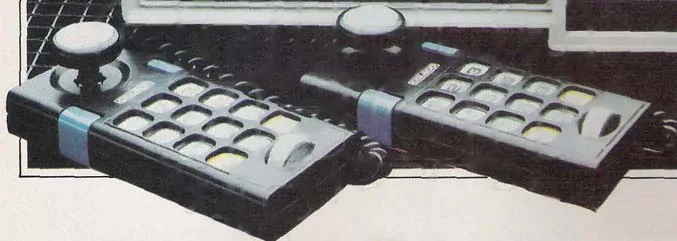 Hand Controller with Speed Roller (Early)
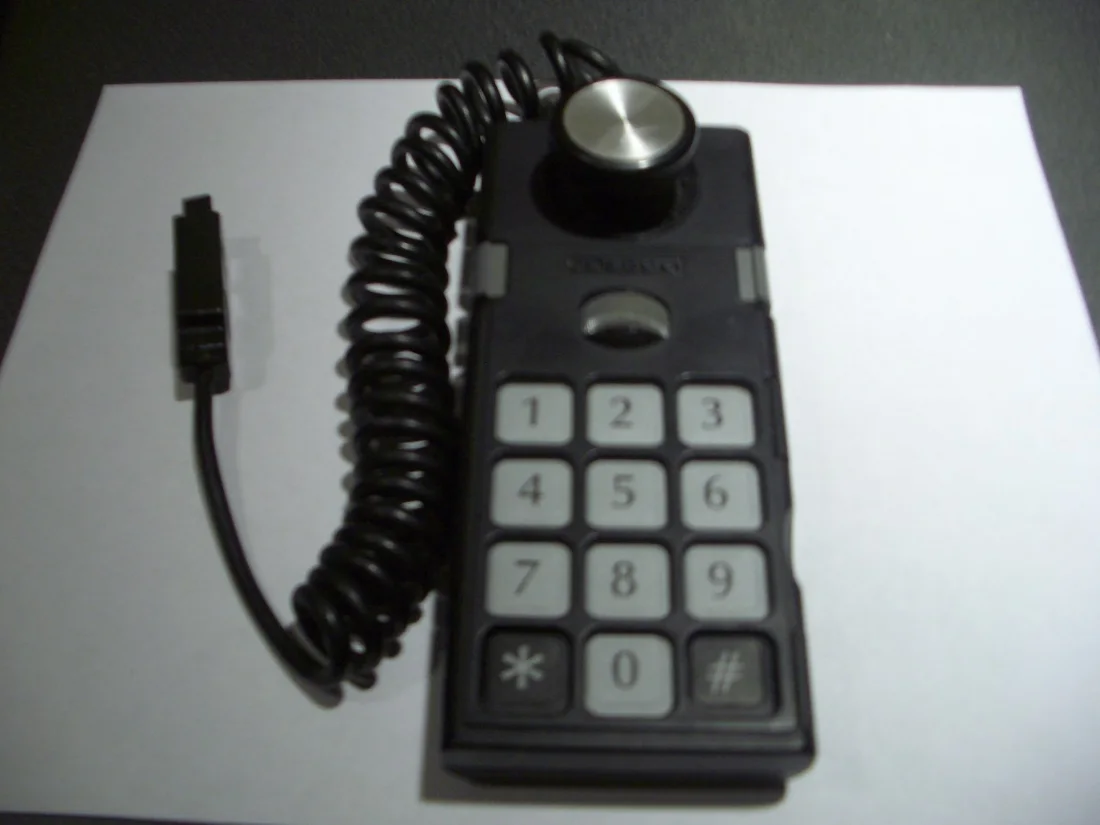 Hand Controller with Speed Roller (Final)