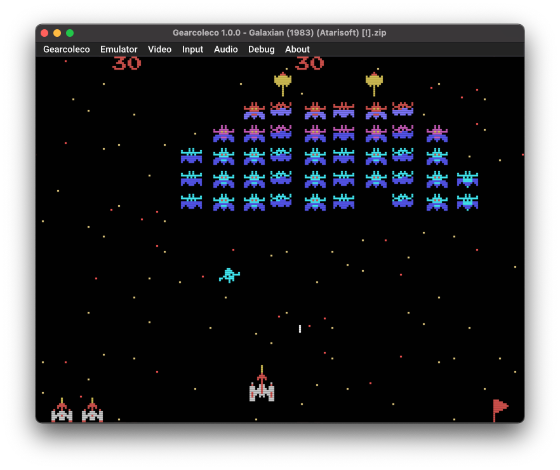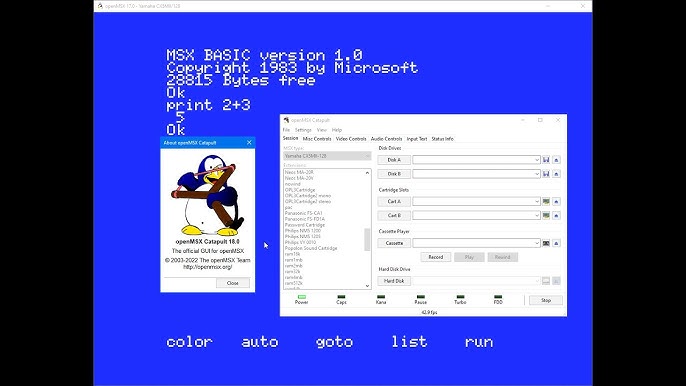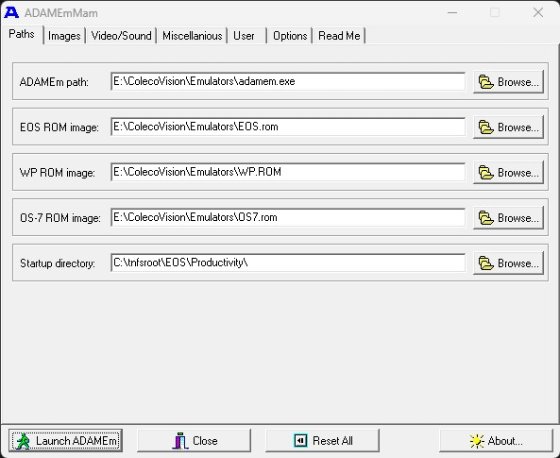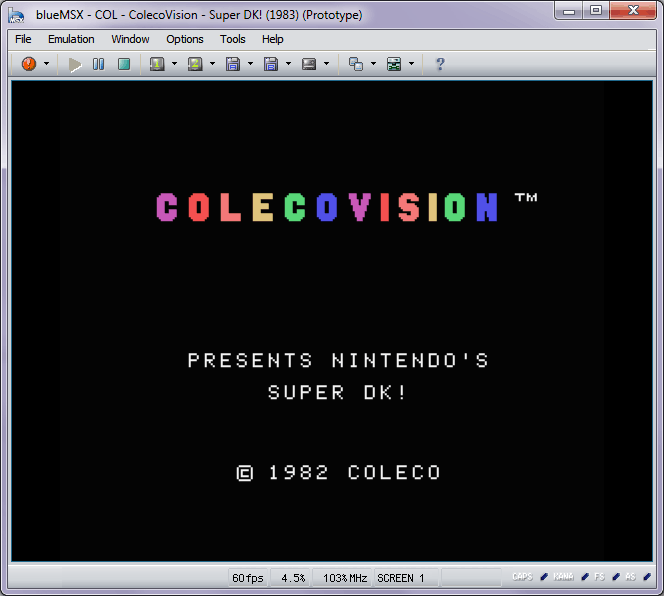
Emulators side by side
| Emulator | Runs on | SGM | ADAM | Open source | Note |
|---|---|---|---|---|---|
| ColEm | Windows, Linux, Android, macOS | ✓ | ✓ | ✗ | Free for non-commercial use |
| CoolCV | Windows, macOS, Linux, Raspberry Pi | ✓ | ✓ | – | Super Action and Roller Controller support |
| Gearcoleco | Windows, macOS, Linux, BSD, RetroArch | ✓ | ✓ | ✓ | GPLv3, built-in debugger |
| blueMSX | Windows, RetroArch | – | – | – | MSX emulator that also runs ColecoVision |
| openMSX | Windows, macOS, Linux | ✓ | – | – | Experimental ColecoVision support |
| MAME | Most desktop systems | – | – | – | Uses MAME's own ROM-set names |
| FinalBurn Neo | RetroArch and standalone | – | – | – | Needs coleco.zip |
| JollyCV | RetroArch | ✓ | – | ✓ | BSD-3 |
| ColecoDS | Nintendo DS / DSi | ✓ | ✓ | ✓ | Keypad on the touch screen |
– means the feature isn't stated in the sources; check the emulator's own documentation.
Mapping the keypad
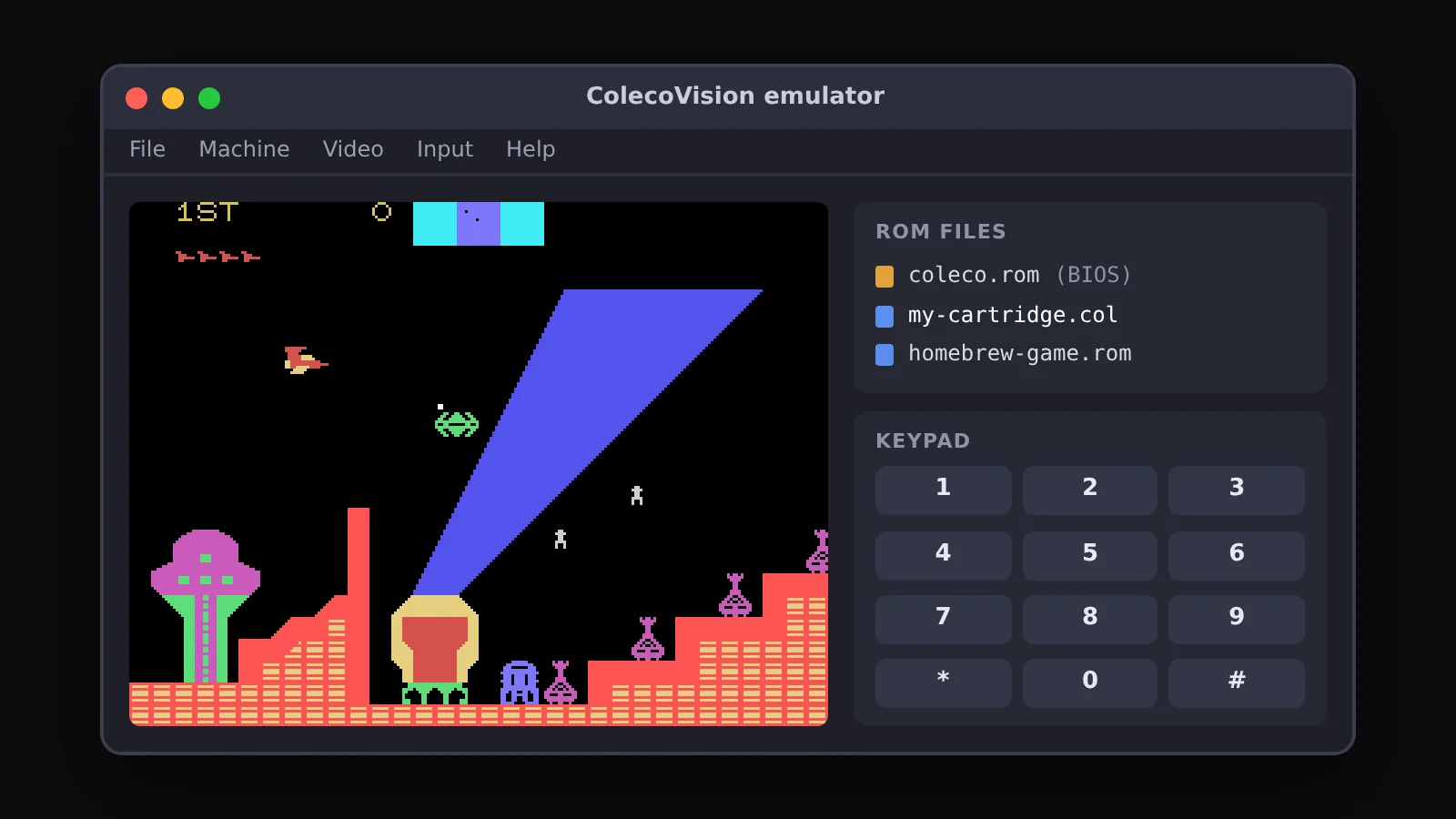
Highlighted keys are the ones most games use to pick a skill level and start. Put them on easy buttons: face buttons, Start and Select.
Use a USB keyboard for games that need the whole keypad, and keep a scan of the game's overlay handy so you know what each key does.
Getting games legally
Free homebrew
Many new games are released free by their authors, such as Inufuto's collection and many CVBasic games.
Inufuto's free gamesBuy new cartridges and ROMs
Publishers sell boxed cartridges, and some sell ROMs on itch.io.
Homebrew gamesYour own cartridges
Play the cartridges you own on original hardware or the Phoenix. The 1980s games are still under copyright.
About the PhoenixSoftware emulators
The emulators below are the ones most often recommended today. Most support the Super Game Module and the MegaCart format used by modern homebrew.
| Emulator | Author | Platforms | Notes |
|---|---|---|---|
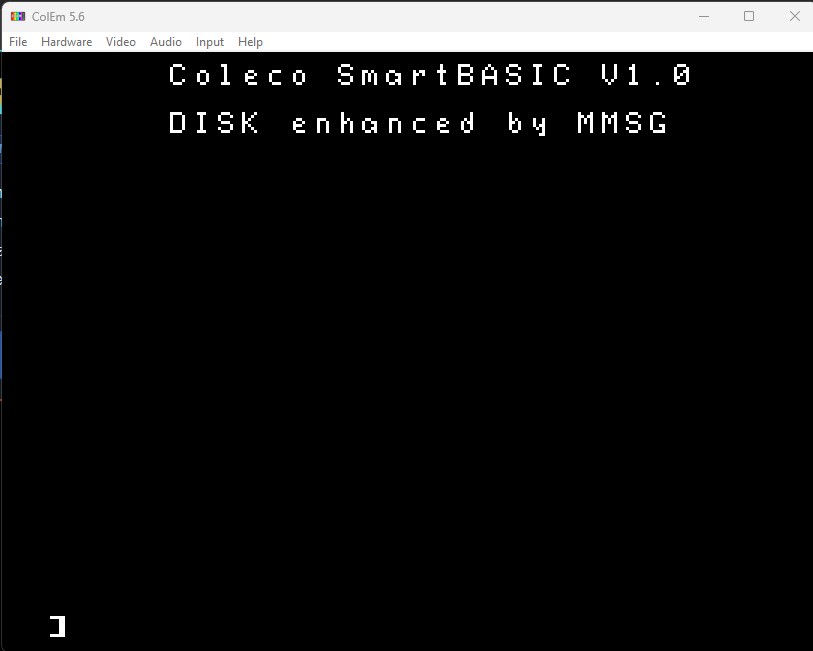
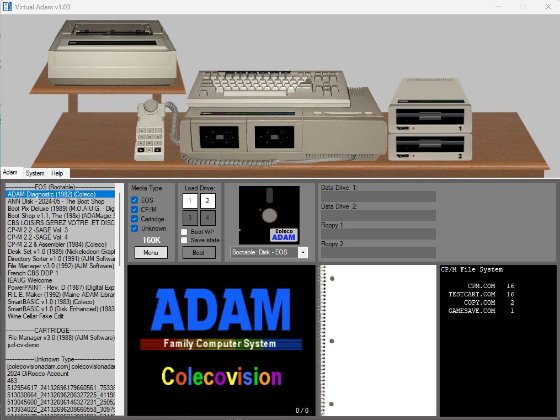
| ColEm | Marat Fayzullin | Windows, Linux, Android, macOS and many older platforms | One of the oldest ColecoVision emulators; full ADAM emulation since v5.0; SGM support; free for non-commercial use. |
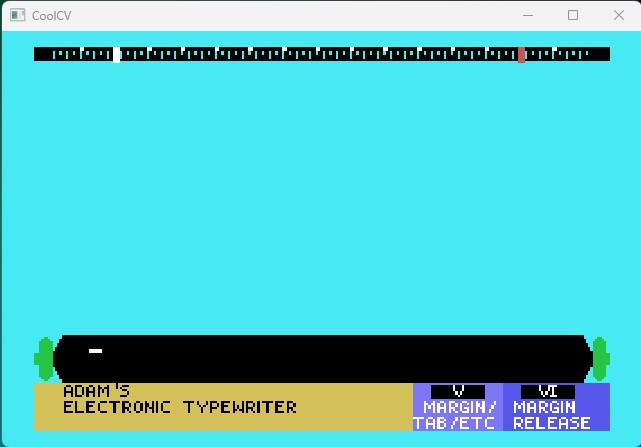
| CoolCV | Oscar Toledo Gutierrez | Windows, macOS, Linux, Raspberry Pi | Written in 2015 for accuracy and development use; SGM, MegaCart, ADAM, Super Action and Roller Controller support; debugging features; bundles freely released games. |
| Gearcoleco | Ignacio Sanchez (drhelius) | Windows, macOS, Linux, BSD, RetroArch core | Accurate Z80, video, sound and SGM emulation; MegaCart and ADAM support; built-in debugger; GPLv3. |
| blueMSX | blueMSX team | Windows; RetroArch core (lr-bluemsx) | MSX emulator that also runs ColecoVision; widely used as a RetroArch core. |
| openMSX | openMSX team | Windows, macOS, Linux | MSX emulator with experimental ColecoVision support including SGM and MegaCart. |
| MAME | MAME team | Most desktop systems | Emulates the ColecoVision as a home system; uses MAME's own ROM-set naming and BIOS files. |
| FinalBurn Neo | FBNeo team | RetroArch core and standalone | Includes a ColecoVision driver; needs coleco.zip and MAME-style game sets in a 'coleco' folder. |
| JollyCV | Rupert Carmichael | RetroArch core | Small accurate core for ColecoVision (with SGM), CreatiVision and My Vision; BSD-3 licensed. |
| ColecoDS | Alekmaul (original), wavemotion-dave (Phoenix Edition) | Nintendo DS / DSi | Runs ColecoVision with SGM plus ADAM, MSX, SG-1000 and other Z80 systems; uses the DS touch screen as the keypad. |
The BIOS
The ColecoVision's 8 KB BIOS (known as OS 7) contains the title screen and common routines that games call, so most emulators need a copy of it. It is copyrighted firmware; the legally safe way to obtain it is to dump it from a console you own. Expected names and locations vary:
RetroPie with lr-blueMSX: coleco.rom in /home/pi/RetroPie/BIOS/Machines/COL - ColecoVision/. RetroArch with Gearcoleco: colecovision.rom (it also accepts coleco.rom) in the RetroArch system folder. JollyCV: coleco.rom in the system folder. FinalBurn Neo: coleco.zip in the same folder as the games. ColecoDS: coleco.rom next to the emulator or in /roms/bios or /data/bios. CoolCV has its BIOS handling built in, and the MiSTer core documentation lists no separate BIOS file. Several front-ends (for example Batocera) bundle cores that run without a user-supplied BIOS.
Setting up RetroPie
RetroPie supports two ColecoVision emulators: lr-blueMSX (a RetroArch core) and CoolCV. Games go in /home/pi/RetroPie/roms/coleco and may use the .bin, .col, .rom or .zip extensions. lr-blueMSX needs the BIOS file as described above and is configured through RetroArch's controller settings, with system-specific overrides in /opt/retropie/configs/coleco/retroarch.cfg. CoolCV is a stand-alone option for the Raspberry Pi with the BIOS built in; it defaults to keyboard control, writes a mapping file (coolcv_mapping.txt) in the home folder after the first run, and quits with Right Shift + Enter. RetroPie's documentation notes CoolCV was not compatible with the Pi 4/400 at the time of writing; lr-blueMSX is the usual choice on newer boards.
Gearcoleco is also available as a RetroArch core on many platforms and is a good alternative to blueMSX if you can install it on your setup.
The keypad problem
A ColecoVision controller has a joystick, two fire buttons and twelve keypad keys, so a typical modern pad cannot map everything at once. In Gearcoleco's RetroArch core, the keypad digits plus * and # are spread across the face, shoulder, stick-click, Start and Select buttons. Some front-ends leave keys out of the default layout (Batocera notes 9 and 0 are missing by default). Practical tips: most games only need the keypad to choose a skill level and start, so map 1 and 2 (or * and #) to easy buttons; use a USB keyboard for games that need the full keypad; and keep the game's printed overlay or a scan of it handy so you know what each key does. On the DS, ColecoDS shows the keypad on the touch screen.
FPGA options
FPGA systems recreate the hardware in logic rather than software. The MiSTer project has a ColecoVision core (which also runs Sega SG-1000 games), adapted for MiSTer by Sorgelig from an earlier MiST core; it supports SGM and MegaCart games, uses the SDRAM add-on board and stores games in a Coleco folder. The CollectorVision Phoenix is a ready-made FPGA ColecoVision with HDMI output, a real cartridge slot and controller ports, SGM and F18A compatibility, and SD-card updates; see /phoenix.
ROMs and the law
The original 1982-1986 ColecoVision games are still protected by copyright, held by Coleco's successors and by the third-party publishers and arcade licensors involved. Downloading or sharing copies of those games without permission is not legal in most countries, even if the games are no longer sold, and ColecoVision Zone does not link to sites that distribute them. The legitimate ways to play original games are on the original cartridges (or a multicart loaded with ROMs dumped from carts you own, where local law permits), or through licensed products such as the AtGames ColecoVision Flashback.
There is, however, a large and growing body of ColecoVision software you can download legally because its authors have chosen to release it. Good sources include: developer and publisher pages on itch.io (for example Electric Dreams' pay-what-you-want releases); Inufuto's free ROM collection of original games; the example games and source code that ship with Oscar Toledo's CVBasic, plus his own freely released titles, some of which are bundled with CoolCV; ROMs that individual homebrew authors post for free on the AtariAge forums; and publishers that offer digital editions alongside their cartridges. Always download from the author's or publisher's own page, and buy the cartridge if you enjoy the game: the scene depends on it.